Client Portal
Every client in Minorank gets a white-label, PIN-protected portal, a unique URL you can share directly with the client so they can view their own SEO data without needing a Minorank account, without a login system, and without any access to other clients.
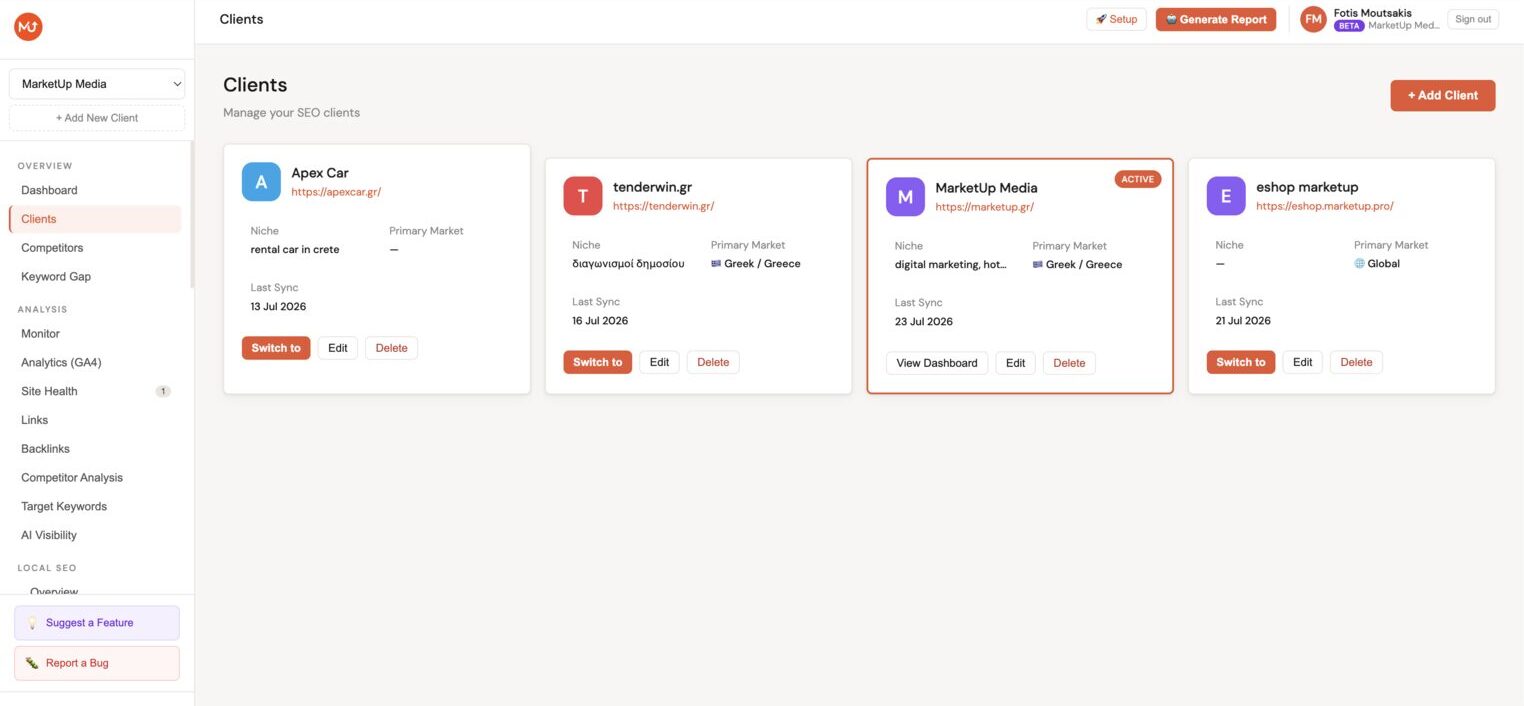
Accessing the portal link
- Go to Clients in the main navigation.
- Find the client card and click the portal link icon (🔗).
- The portal URL is copied to your clipboard, share it with your client along with their PIN.
Each portal URL is unique per client (e.g. app.minorank.com/portal/their-slug).
Setting the PIN
The portal is protected by a 4-digit PIN you set per client. Without the correct PIN, the portal shows a locked screen.
To set or change the PIN:
- Go to the client's Settings.
- Find the Client Portal section.
- Enter a 4-digit PIN and save.
Share the PIN with your client separately from the URL (e.g. via a quick message or call).
What the client sees
The portal has four tabs:
Overview
Key metrics at a glance: organic clicks, impressions, average position, and CTR, with a traffic trend chart and top keywords table.
Search Console
Full Search Console view, traffic chart, top queries, top pages, device breakdown, and date range selector. The client can explore their own data but cannot edit anything.
Google Analytics 4
GA4 overview with sessions, users, engagement rate, and bounce rate, when GA4 is connected to the client.
Competitors
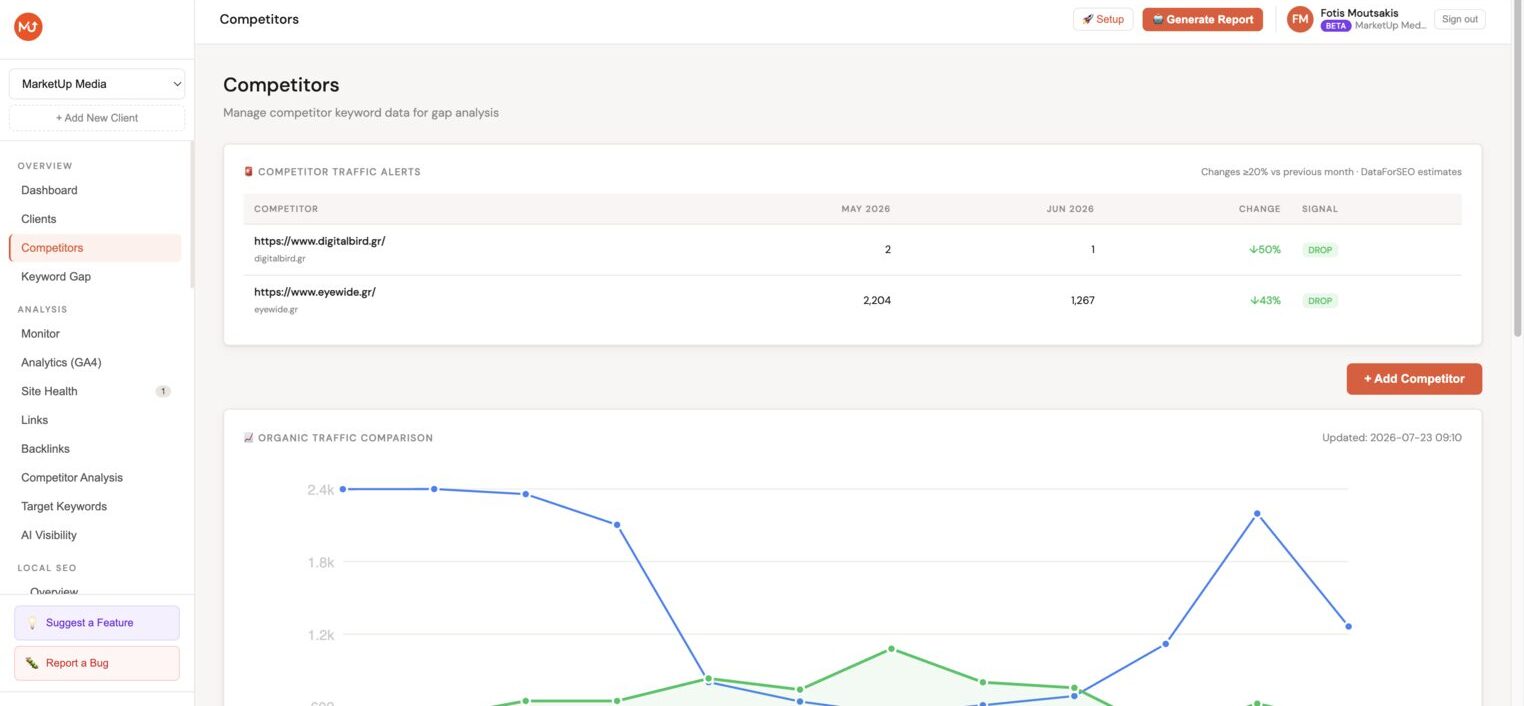
Monthly organic traffic comparison chart across the client and all added competitors, plus the competitor details table with estimated traffic, keywords, backlinks, and common keywords.
Branding
The portal displays your agency name and logo, not the Minorank brand. Clients see it as your reporting tool.
To configure:
- Go to your Agency Settings.
- Upload your logo and set your agency name.
These appear in the portal header and in any PDF exports.
:::tip Agency value Most agencies charge €100+/month for white-label client reporting access via tools like AgencyAnalytics. The Minorank client portal is included at no extra cost. :::
What the client cannot do
- View any other client's data
- Edit meta tags, redirections, or settings
- Access the Minorank platform
- See your agency's internal notes or tasks
Next steps
- AI SEO Reports, generate a PDF report to share alongside the portal link
- Connectors, connect Google Search Console and GA4 to populate all portal tabs